

Listen to our Blog here
Introduction
Let’s be honest — most businesses didn’t think too hard about accessibility until recently.
Now it’s front and centre.
If you’re producing video content, it’s no longer just about how it looks. It’s about whether people can actually use it. And that includes people who can’t hear it, can’t see parts of it, or rely on assistive tech to interact with it.
AI is helping massively here. It speeds things up, removes a lot of manual work, and makes accessibility more achievable.
But — and this is important — it’s not a magic fix.
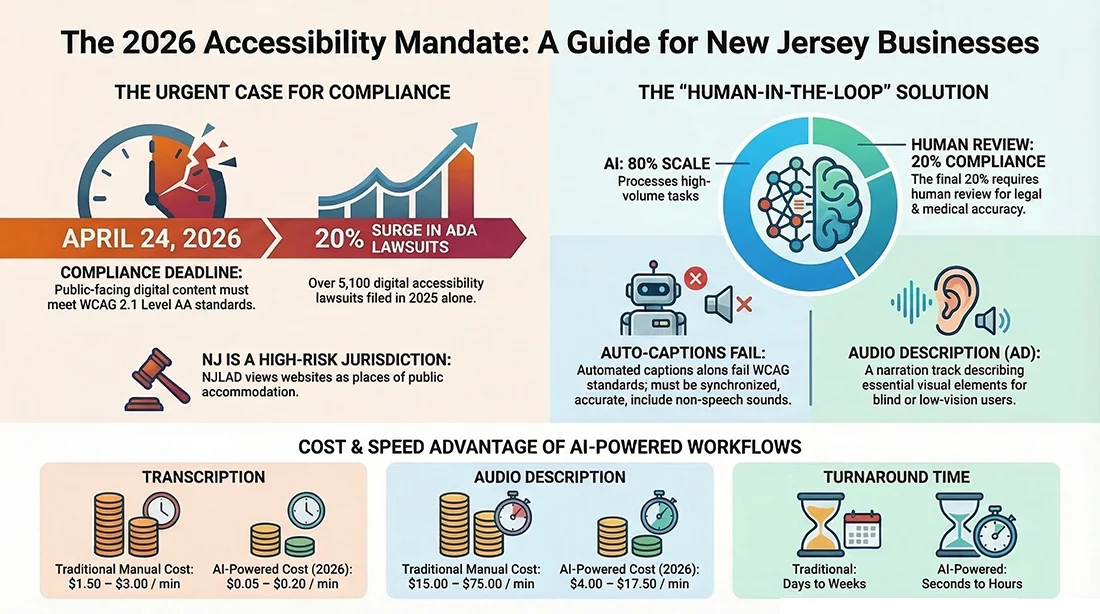
If you rely on AI alone, you’ll get 80% of the way there. The last 20% is where compliance actually lives.
What Are Web Accessibility Standards?
In plain terms, web accessibility standards are about not locking people out of your content.
That’s it.
For video, it means your content should still work if:
- someone has the sound off
- someone can’t hear
- someone can’t see key visuals
- someone is using assistive tools
The basics are simple:
- captions
- transcripts
- audio descriptions
Miss those, and you’re excluding people. No way around it.
Understanding Web Content Accessibility Guidelines (WCAG)
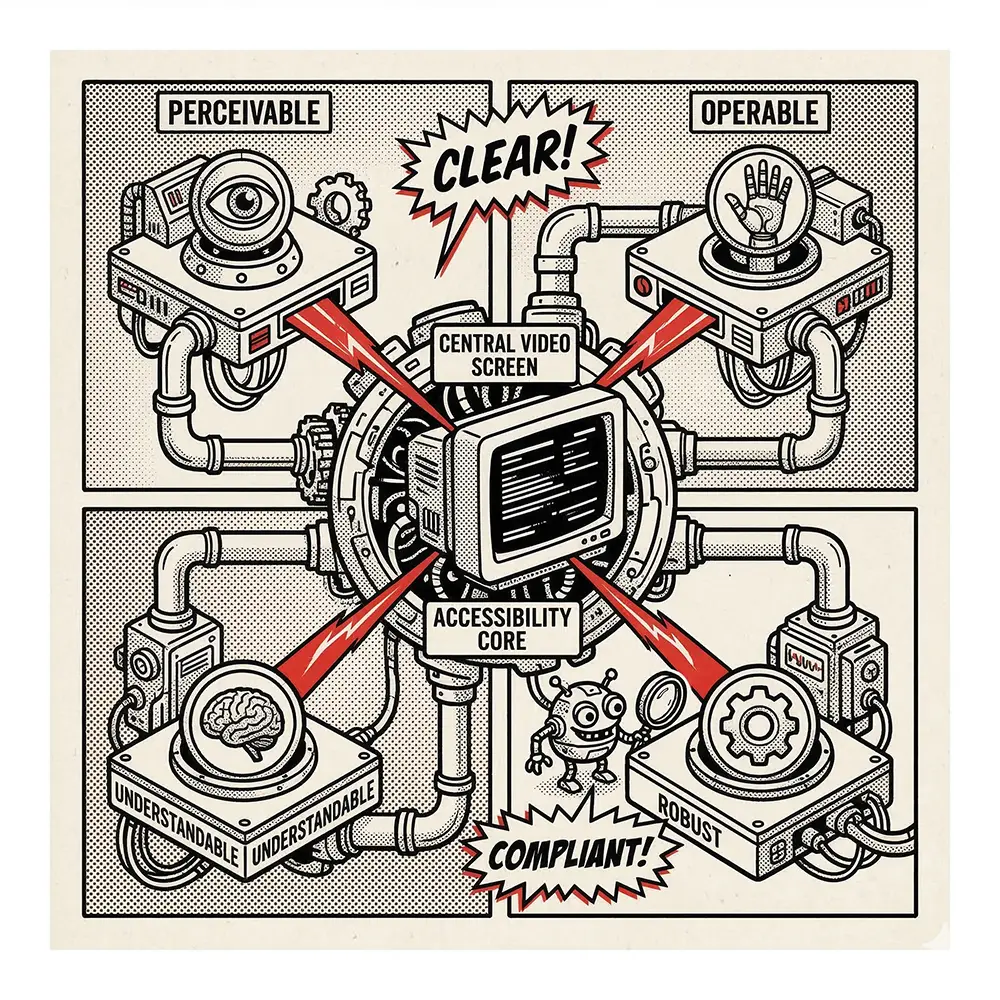
WCAG is the framework everyone points to when they talk about accessibility.
Most businesses aim for WCAG 2.1 Level AA. That’s the practical benchmark.
What does that actually mean for video?
You need:
- Captions that are accurate and properly timed
- Audio descriptions where visuals matter
- A player that works with accessibility tools
Now here’s where people slip up.
Auto captions are not enough.
They’ll get words on screen, sure. But they’ll miss tone, context, speaker changes, and half the nuance. That’s where compliance quietly falls apart.
Why New Jersey Businesses Need Compliance
This isn’t theoretical anymore.
Web accessibility guidelines for New Jersey businesses are becoming something you actually have to deal with — especially if you’re working with larger organisations.
Where it starts to matter:
- Public-facing websites
- Healthcare and education
- Government or contract work
And here’s the kicker…
A lot of procurement teams are now asking:
“Is your content accessible?”
If the answer is vague, you’re already on the back foot.
So this isn’t just about avoiding legal trouble. It’s about staying competitive.
How AI Helps Create Accessible Videos
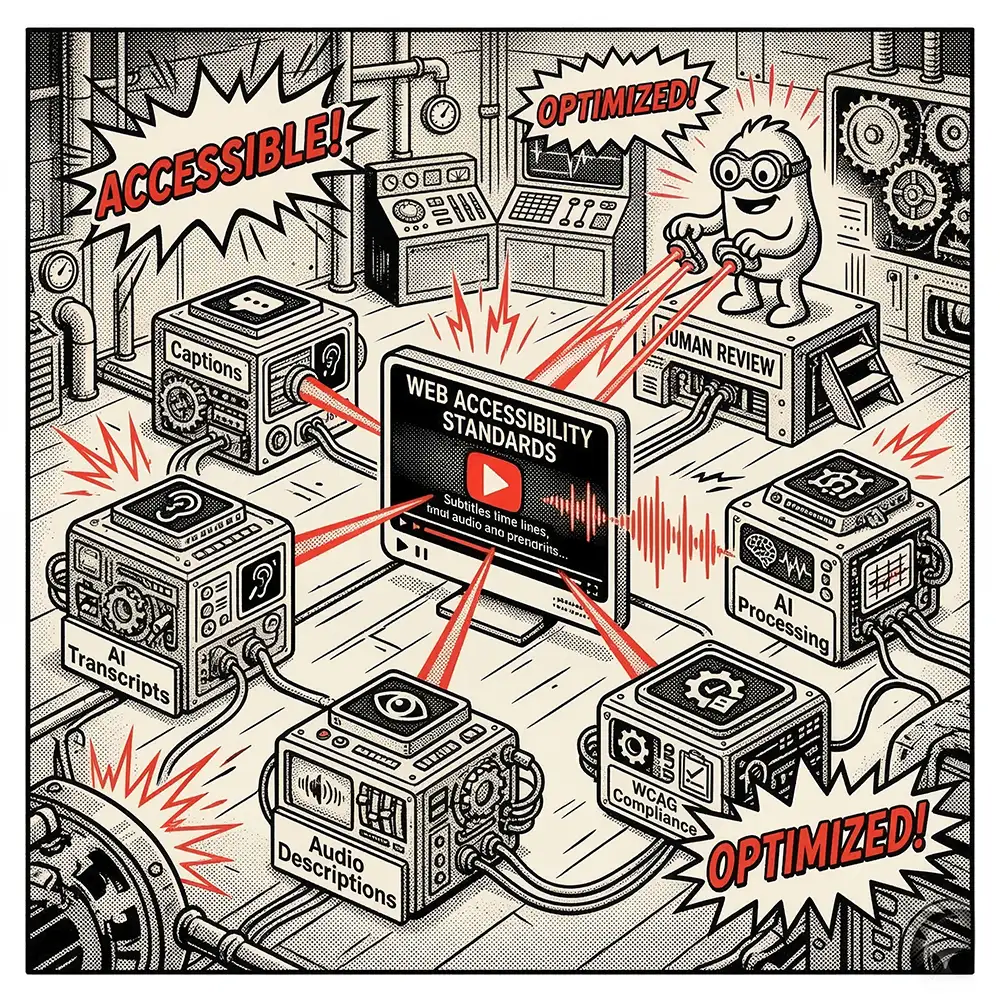
Now — this is where AI earns its keep.
It doesn’t replace the process, but it makes the process workable.
Captions (Speech-to-Text)
AI can generate captions in minutes.
That’s a massive shift compared to manual transcription.
But accuracy depends on:
- audio quality
- accents
- technical terms
So yes — AI gets you started. But it still needs a human pass to clean things up properly.
Transcripts
This is the low-hanging fruit.
AI can produce transcripts almost instantly, and they’re incredibly useful:
- better accessibility
- better SEO
- better internal documentation
But they’re not a replacement for captions. They’re part of the system.
Audio Descriptions
This is where AI is still catching up.
It can suggest what’s happening visually, but it doesn’t always understand what actually matters.
And that’s the difference.
A human knows what’s important to the story. AI doesn’t always.
Visual Accessibility Checks
Some AI tools can flag:
- poor contrast
- unreadable text
- layout issues
This is useful — especially in motion graphics — but again, it’s guidance, not a final decision.
What a Proper Workflow Looks Like
This is the bit most people skip.
A real accessibility workflow looks like this:
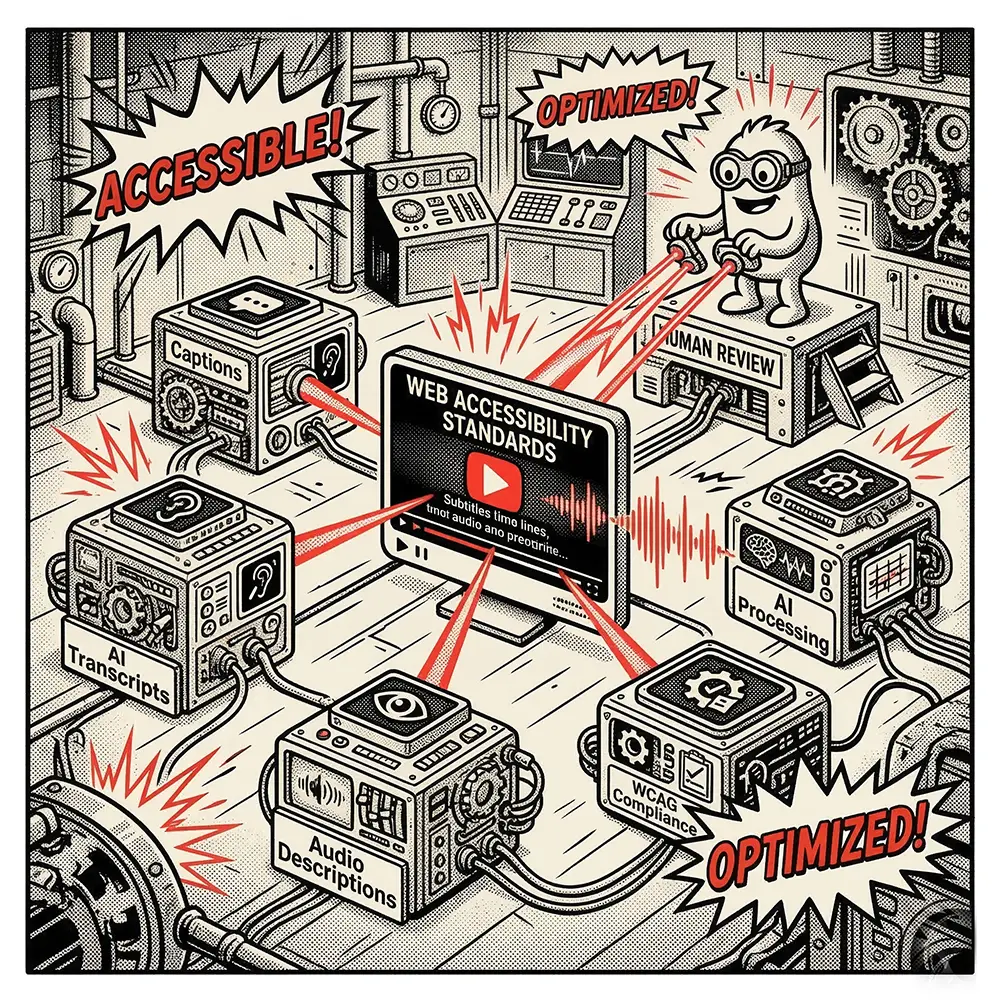
- AI generates captions and transcripts
- A human reviews and corrects everything
- Content is checked against WCAG standards
- Final validation before publishing
Skip step two, and you’re gambling.
Benefits of Accessible Video Content
Accessibility isn’t just compliance. It actually makes your content perform better.
Wider Reach
A lot of people watch video with no sound.
Captions aren’t just for accessibility — they’re for real-world use.
Better SEO
Search engines can’t “watch” your video.
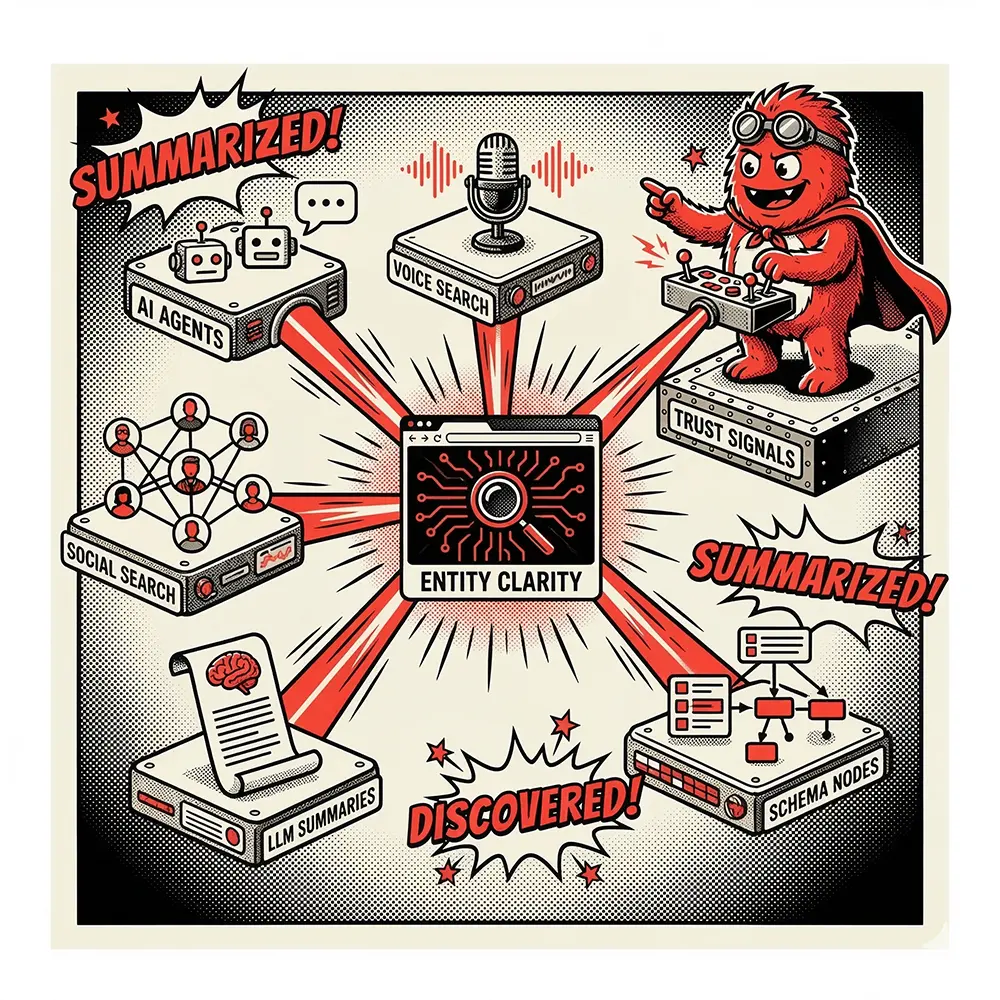
But they can read captions and transcripts.
That means:
- better indexing
- more visibility
- more traffic
Reduced Risk
If you’re aligned with web accessibility standards, you’re in a much safer position legally and commercially.
Better User Experience
Simple truth — accessible content is easier to use.
And when content is easier to use, people stay longer and engage more.
Conclusion
Web accessibility standards aren’t going away.
If anything, they’re tightening.
AI makes it easier to produce accessible video content, but it doesn’t remove responsibility. You still need structure, process, and human oversight to get it right.
The businesses that figure this out early will have a serious advantage.
The ones that don’t will be playing catch-up.
About The Author
Declan Foley is the Creative Director and founder of Motion Monsters, a US-focused motion graphics and video production agency. He works with businesses across construction, infrastructure, and enterprise sectors to create high-impact visual content that actually performs — not just looks good.
With a background in design, branding, and AI-driven content systems, Declan focuses on combining creative execution with practical business outcomes. No fluff, no nonsense — just work that delivers.
Call To Action
If you’re producing video content and not entirely sure where you stand on accessibility, it’s worth taking a proper look at it now rather than later.
At Motion Monsters, we help businesses build structured, scalable video workflows that meet accessibility standards without slowing production down.
If you want a straight answer on where you stand — and what needs fixing — get in touch.
We’ll tell you exactly what’s working, what’s not, and how to sort it.
Frequently Asked Questions (FAQs)
We get it – motion graphics and “brand storytelling” can raise a lot of questions, especially if you’re new to this world. Below we’ve answered some of the most common questions small business owners around New Jersey (maybe like you) often ask:
What exactly are motion graphics?
Motion graphics are animated design elements (like moving text, shapes, or icons) that visually communicate a message or story.
How are motion graphics different from regular video?
Motion graphics are digitally created animations of text and graphics, whereas regular video is filmed live with real people or scenes.
Why is brand storytelling important for a small business?
Because people connect with stories. Sharing your business’s story helps customers remember and trust you, beyond just the product or service.
Can a small local business like mine afford motion graphics?
Often, yes. Motion graphics can be scaled to different budgets and usually cost less than hiring a full live-action video crew.
How long does it take to create a motion graphic video?
A simple animated video might take a couple of weeks; a more complex one could take a month or more. It depends on the project.
Where can I use motion graphics content?
Anywhere you engage customers – your website, social media, emails, digital ads, or even a screen in your shop.
Will motion graphics work for any industry?
Yes. Any business with a message can use motion graphics, from restaurants and retail stores to tech companies and clinics.
Do motion graphics actually help attract customers?
They grab attention and explain your value clearly, which often leads to more customer interest and engagement.
What’s the difference between animation and motion graphics?
Animation is a broad category (like cartoons). Motion graphics are a type of animation focused on moving text and graphics (not characters) to explain ideas.
Can I create motion graphics myself with some apps?
You can try using DIY animation apps for basic videos, but for a unique, polished result most small businesses work with a professional.
How do I measure the success of a motion graphic campaign?
Track views, engagement (likes, shares, comments), and conversions (like clicks or calls). Also note any customer feedback about the video.
Is video content really that much more effective than text?
Often, yes. People are more likely to watch a quick video than read a lot of text, so videos can deliver your message faster and hold attention better.
Will using motion graphics improve my website’s SEO?
Indirectly. An engaging video keeps visitors on your site longer and encourages sharing, which can boost your SEO indirectly.
What if my story is “boring”? Can motion graphics still help?
Absolutely. Motion graphics can turn even dry or technical topics into engaging visuals. We’ll find a fun, creative angle for any business story.
How involved do I need to be in the process?
As much as you want. We’ll need your input at the start and during reviews, but we handle the heavy lifting so it’s not a burden.
What do I need to prepare before starting a motion graphics project?
Very little. If you have a logo, brand colors, or a general idea of your message, share that. Otherwise, we guide you through everything.
Are motion graphics good for social media marketing?
Yes. Animated content is eye-catching on social feeds and often gets more likes and shares than static images.
Do I need to worry about video quality or format?
Not if we’re handling it – we’ll give you the right files. In general, use an MP4 format at HD (1080p) resolution for best results.
How long should a motion graphic video be for marketing?
Usually 60–90 seconds for an explainer or promo, and shorter (15–30 sec) for social clips. The key is to keep it concise and engaging.
What’s an example of brand storytelling with motion graphics?
For example, a local gym could animate its journey from a garage startup to a thriving community hub, using fun graphics to show its growth and values.
I have a logo; can you animate it?
Yes. We can animate your logo (a quick logo reveal) to add professional flair to your videos and presentations.
What if I need to update the video later (new address or product)?
We can edit the original project files to update things like text or scenes, so it’s easy to keep your video up to date.
Are there any trends in motion graphics I should know about?
Trends change (e.g., minimalist or retro styles), but we focus on what fits your brand. We stay current and use trends if they enhance your message.
How do motion graphics tie into my overall marketing strategy?
They’re a versatile tool. Use motion graphics to enhance product launches, explain services on your site, or create eye-catching social media posts – they add a dynamic visual punch to your marketing.
I’m not very creative – can Motion Monsters come up with ideas for me?
Absolutely. You don’t need a ready concept – just tell us about your business and goals, and we’ll brainstorm creative ideas for you.
Is Motion Monsters experienced with local NJ businesses?
Yes. We’re based in Ridgefield, NJ and have worked with many New Jersey businesses, so we know the local market and audience.
What if I already have some footage – can you mix motion graphics with live video?
Definitely. We can combine your live-action footage with animated text, graphics, or effects. This hybrid approach can be very engaging.
Are there local businesses near Ridgefield using motion graphics successfully?
Yes. Many small businesses around North Jersey use motion graphics for social media, explainers, and ads – it’s a popular and effective tool.
How do I get started if I’m interested?
Just reach out to us! We’ll discuss your needs, give you a free consultation or quote, and propose a plan – it all starts with a friendly chat.
What’s the next step after the video is done?
Put it to work: embed it on your website, share it on social media, and include it in emails or presentations. We’ll guide you on getting the most out of your new video.
Ready to Make Your Brand the Next Big Story in Ridgefield?
Your small business has a story – let’s make sure everyone hears it (and sees it). Ready to transform your brand story with motion graphics? Don’t settle for blending in.
Contact Motion Monsters today and let’s start the conversation. Together, we’ll create something bold that puts your Ridgefield, NJ business on the map. No more being the best-kept secret – let’s unleash your story!