


A successful website redesign is more than a visual refresh. For a Ridgefield or Bergen County business, it should make the site easier to use, faster on mobile, clearer to search engines, and better at turning visitors into calls, bookings, quote requests, or sales. Use this checklist to protect what already works and build the new site around measurable business goals.
Before choosing colors or layouts, document the current site, decide what the new one must achieve, and give content, SEO, accessibility, and launch planning the same attention as design. That approach reduces surprises and gives every decision a practical purpose.
1. Set the Redesign Goals
Start with outcomes. A redesign can support several priorities, but the team should agree on the most important ones before wireframes or page designs begin.
- Generate more qualified calls, form submissions, appointments, or online sales.
- Make services easier to understand and compare.
- Improve mobile usability and page performance.
- Support local visibility in Ridgefield and across Bergen County.
- Present a more accurate, credible picture of the business.
- Make routine content updates easier for staff.
Choose a small set of success measures, such as completed forms, phone-link clicks, appointment starts, product sales, or visits to priority service pages. These measures will help you judge the redesign after launch.
2. Audit the Current Website
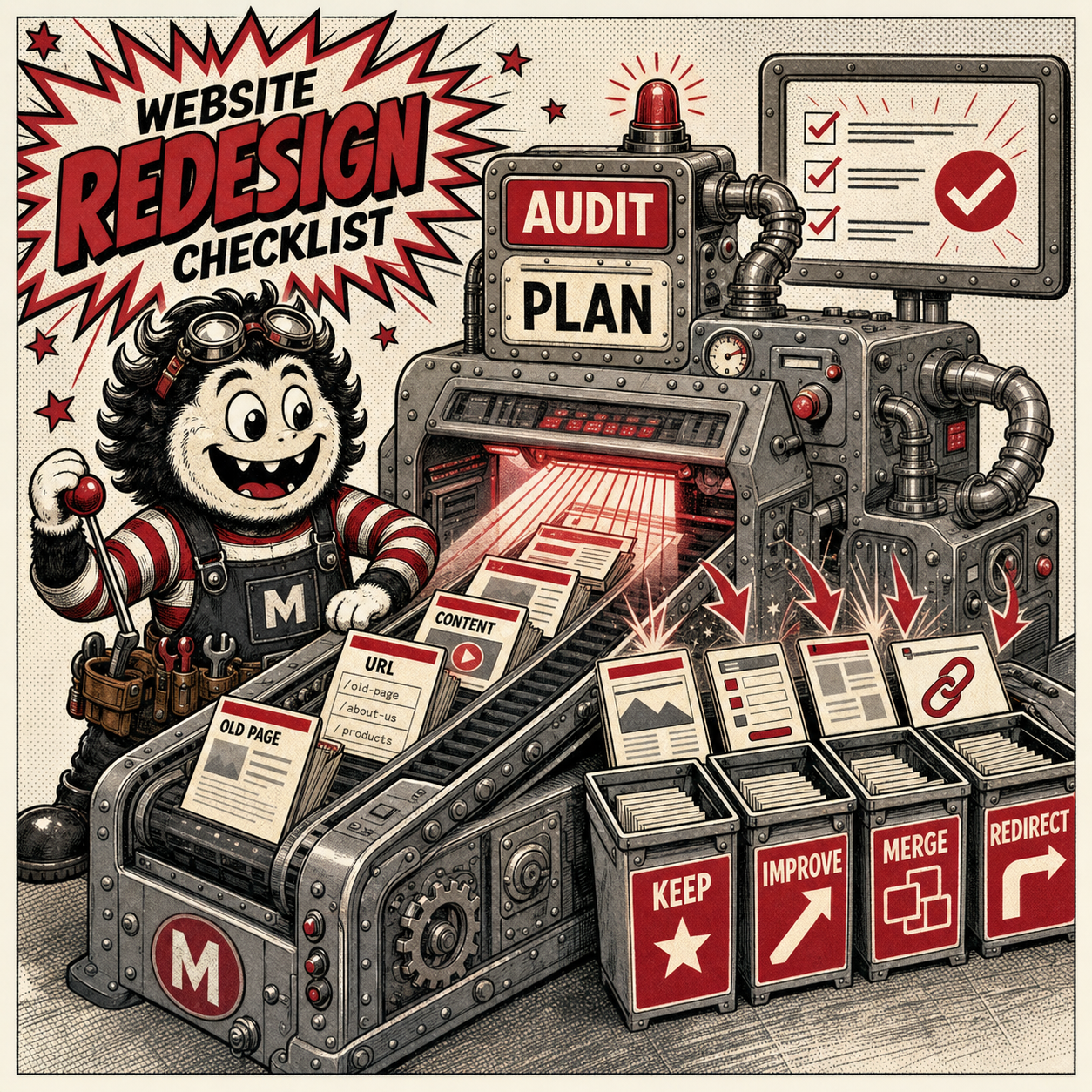
A redesign should not erase useful assets by accident. Build an inventory of every important page, form, downloadable file, integration, tracking script, and search landing page. Note which pages attract traffic, earn inquiries, receive links, or support customers after a sale.
For each page, decide whether to keep, improve, merge, redirect, or retire it. Record the current URL and its planned destination. This becomes the foundation for the new site map and redirect plan.
3. Organize Around Customer Tasks
Organize navigation around what customers need to do, not the company’s internal structure. A visitor should quickly understand what you offer, who it is for, why your business is credible, and what to do next.
- Give each priority service a focused page.
- Use clear labels instead of clever but vague navigation.
- Keep contact details and primary calls to action easy to find.
- Remove duplicate paths that lead to the same information.
- Plan a simple route from the homepage to every key conversion.
A professional New Jersey web design process should connect the site map, page structure, content, and visual system to those customer tasks.
4. Protect SEO During Migration
Changing URLs without a plan can break inbound links and make established pages harder to find. Keep valuable URLs when they still make sense. When a URL must change, map it to the closest relevant new page with a permanent redirect rather than sending every retired page to the homepage.
- Export the current URL list and identify priority organic landing pages.
- Preserve useful page topics, title intent, and internal links.
- Create one-to-one redirects before launch.
- Review page titles, descriptions, headings, canonicals, and index settings.
- Submit the updated XML sitemap and monitor search reports after launch.
Coordinate the build with an SEO strategy for New Jersey before development is finished. SEO is far easier to protect when it is part of the redesign plan instead of a last-minute repair.
5. Design Mobile-First
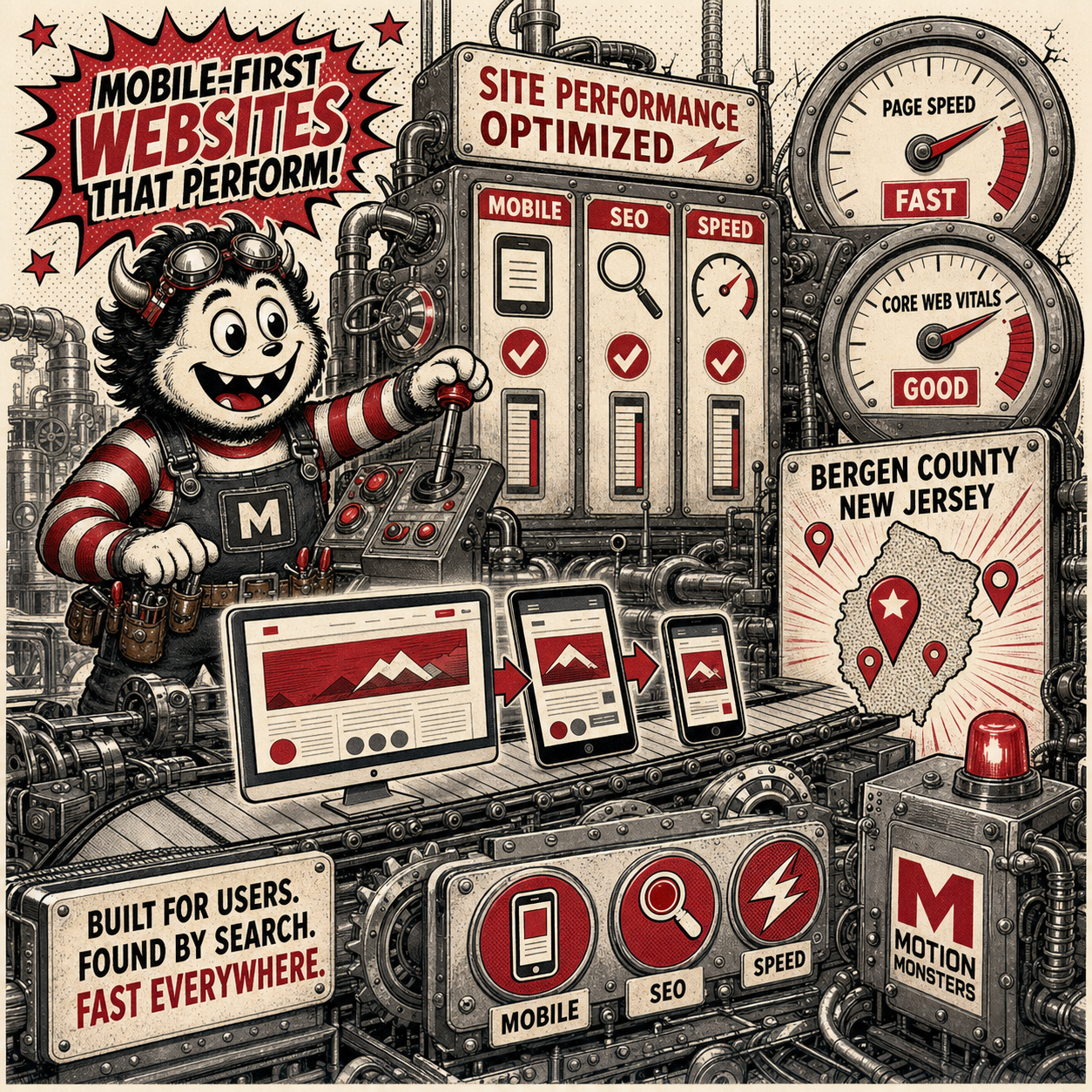
Do not assume a desktop layout will automatically work on a phone. Test navigation, tap targets, forms, tables, galleries, embedded tools, and calls to action at common mobile and tablet widths. Important information should not require pinching, sideways scrolling, or hunting through oversized menus.
Also test on real devices and slower connections. A visitor in Fort Lee, Palisades Park, or Ridgefield may encounter the site while traveling, between appointments, or using cellular data. The mobile experience needs the same clarity and credibility as the desktop version.
6. Make Performance a Requirement
Page performance is shaped by design choices, image handling, fonts, scripts, hosting, and development quality. Google’s current page-experience guidance recommends looking at the whole experience, including Core Web Vitals, secure delivery, mobile presentation, and intrusive interruptions. A perfect score is not the goal; a fast, stable, usable experience is.
- Compress and correctly size images.
- Limit unnecessary fonts, animation, trackers, and third-party widgets.
- Reserve space for images and embedded content to reduce layout shifts.
- Test priority page templates with performance tools before launch.
- Check both laboratory tests and real-user data when available.
7. Include Accessibility From the Start
Accessibility is part of good design, content, and development. The W3C recommends using WCAG 2.2 for current accessibility work. Practical redesign checks include readable contrast, keyboard access, visible focus states, descriptive link text, useful alternative text, clear form labels, error guidance, and layouts that reflow without losing information.
Automated scans can identify some issues, but they do not replace manual review. Plan testing early enough to fix patterns across templates rather than patching individual pages at the end. Motion Monsters also provides accessibility audits and remediation support in New Jersey.
8. Write for Clarity and Conversion
A new layout cannot rescue vague, outdated copy. Review every page for accuracy, usefulness, and a clear next step. Replace internal language with the words customers use. Put essential answers near the top, break complex information into scannable sections, and remove unsupported claims.
- Confirm services, locations, team details, hours, and contact information.
- Use one clear primary action on each important page.
- Add trust signals only when they are current and verifiable.
- Give every meaningful image descriptive alternative text.
- Assign a content owner and approval date for each page.
9. Build Local Trust Naturally
For a Bergen County business, local relevance should come from accurate business information and useful service context, not repeated town names. Keep the business name, address, phone details, and service descriptions consistent. Explain where the company operates only where it helps a customer decide whether to get in touch.
Ridgefield can serve as a clear trust anchor while the broader content addresses the needs of Bergen County customers. Nearby references to Fort Lee or Palisades Park should be natural and relevant, never inserted simply to repeat locations.

10. Test Forms, Security, and Tracking
Every business-critical function needs an owner and a test case. Submit each contact form, check its confirmation message, verify email delivery, and confirm that leads reach the correct system. Test appointment tools, payment flows, maps, chat, newsletter forms, CRM connections, and downloadable files.
- Serve the entire site securely over HTTPS.
- Update the content management system, plugins, and integrations before launch.
- Use appropriate spam protection and validate form errors.
- Confirm analytics, consent controls, and conversion events.
- Document backups, access roles, recovery steps, and the maintenance owner.
11. Complete the Prelaunch Review
Create a launch checklist with named owners rather than relying on a final visual glance. Review every priority page on desktop and mobile, proofread the content, test links and downloads, inspect metadata, verify redirects, and confirm that search engines are allowed to index the production site.
Launch during a period when the development and business teams can monitor results. After the site is live, crawl it again, test conversions, check analytics, review search coverage, and fix issues quickly. Keep the old site backup and redirect map available during the stabilization period.
Questions for a Redesign Partner
- How will you protect existing search visibility and valuable URLs?
- Who is responsible for content, redirects, accessibility, and testing?
- How will mobile layouts and page performance be verified?
- Which parts of the site will our team be able to update?
- What is included in launch support and ongoing maintenance?
- How will we measure whether the redesign is working?
The strongest proposal should explain the process, responsibilities, testing plan, and business outcomes—not just the number of page designs included.
Website Redesign FAQs
How do I know whether my Bergen County business needs a redesign?
A redesign is worth considering when the site no longer reflects your services, is difficult to use on mobile, loads slowly, cannot be updated efficiently, creates accessibility barriers, or fails to generate useful inquiries. Start with an audit so the solution matches the actual problems.
Should we keep our existing domain during a redesign?
Usually, yes. Keeping the established domain avoids an unnecessary change for customers and search engines. A domain change should have a clear business reason and a carefully managed migration plan.
How long does a website redesign take?
The timeline depends on site size, content readiness, integrations, approval speed, and testing requirements. A clear page inventory, assigned content owners, and early technical decisions make the schedule more predictable.
Can a website redesign improve local SEO?
It can create a stronger technical and content foundation, but a new design does not guarantee rankings. Protect useful URLs, improve page structure and content, maintain accurate local business details, and monitor results after launch.
Plan Your Website Redesign
If your current site is holding the business back, Motion Monsters can turn this checklist into a practical redesign plan. Contact the Ridgefield team to discuss your goals, content, SEO requirements, and launch priorities.
About the Author
Declan Foley is the founder and creative director of Motion Monsters USA and Designwest. A designer and creative director since 1996, he works across website design, branding, and cross-media design for businesses in Ireland and the United States. Learn more about Declan Foley.
